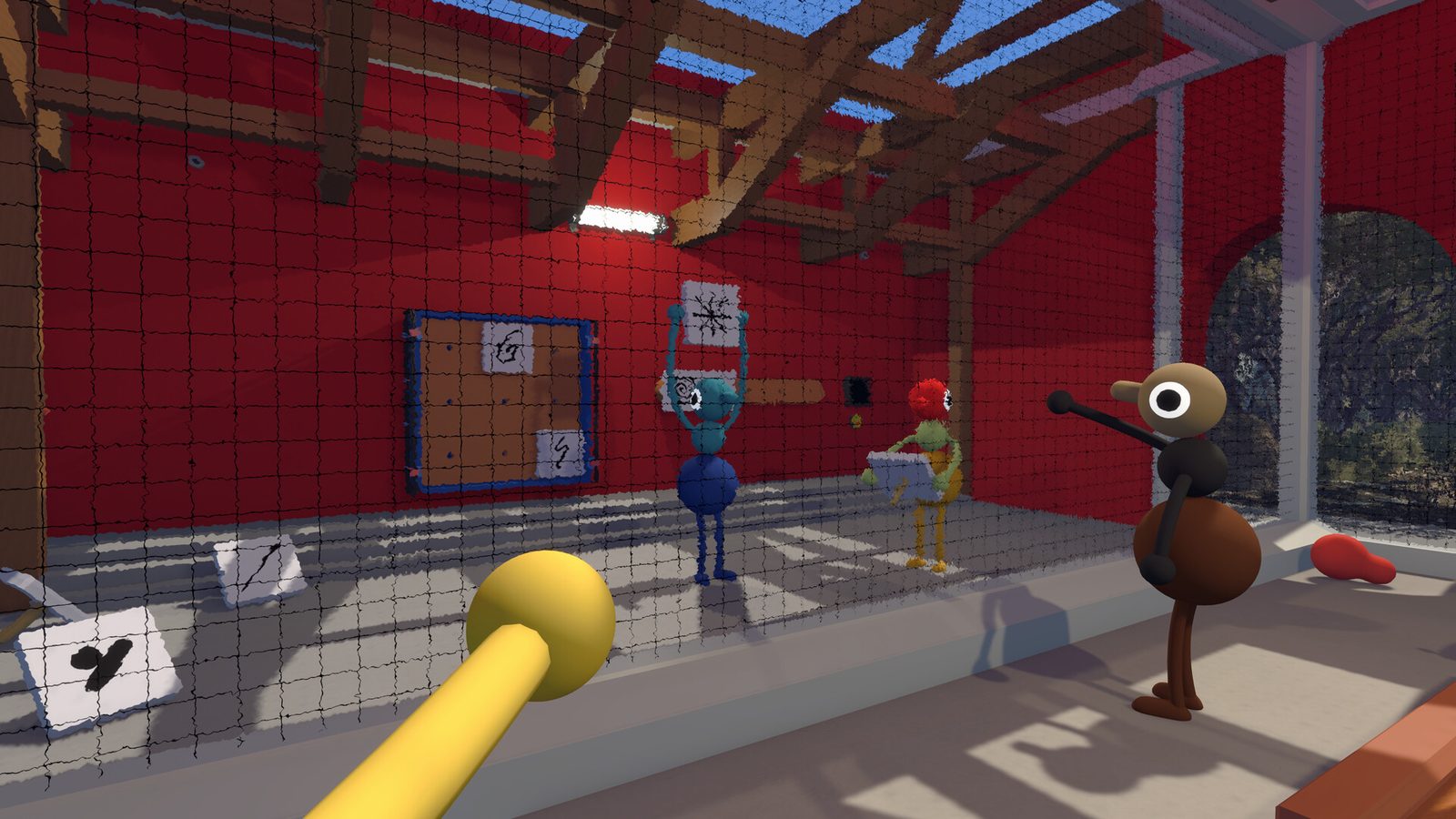
Hosting Big Walk is more responsibility than clicking “create lobby”. The host owns the save file, so every discovered landmark, unlocked shortcut and tool cache persists only while that player can launch sessions. Crossplay friends on other platforms depend on the Join Codes you generate, and voice quality rises and falls with the mute discipline you model.
Why hosting matters
Big Walk is a scheduled co-op journey rather than a drop-in shooter. Session setup works like board-game night: gather friends, agree on rules, commit time.
| Host responsibility | Player impact |
|---|---|
| Save ownership | Progress pauses when the host is offline |
| Join Code issuance | Crossplay friends enter your world |
| Voice moderation | Chaos or clarity for proximity chat |
| Session pacing | Breaks, regroups, puzzle focus |
Pick hosts who can play consistently across multi-week walks — not merely whoever bought the game first.
Pre-session setup checklist
- Update the game. Match version 1.0 or the latest patch; version mismatch can silently block crossplay entry.
- Test your microphone. Big Walk ships with noise suppression, but verify platform mic permissions on Steam, PS5 or Switch 2.
- Plan loadouts. Assign tools before anyone leaves the starting area.
- Confirm player count. Know whether you are running a duo, four-player, or twelve-player dynamic.
- Share the schedule. If the host is offline later, there is no continuation — set expectations early.
Platform-specific notes
- Steam: friends join via the Steam friends list, or via Join Code for crossplay.
- PlayStation 5: PS Plus Essential is required for online play; generate codes from in-game lobby menus.
- Switch 2: Nintendo Switch Online is required where applicable; controller mic paths vary by headset.
Creating and sharing Join Codes
Crossplay lobbies rely on short Join Codes that friends enter manually on other platforms. Same-platform groups can use native friends lists instead, but mixed Steam + PS5 + Switch 2 parties should always keep a code copied in chat.
Best practices:
- Regenerate codes if random players join a public lobby by accident.
- Paste the code in a secondary channel before launch so late friends are not locked out during cutscenes.
- Ask crossplay players to finish updates first — version mismatch blocks entry silently sometimes.
- Never publish active Join Codes on public social media unless you want strangers ringing cowbells in your session.
Voice-chat hosting etiquette
External Discord undercuts a core mechanic: proximity chat is not decorative. As host, model good behaviour:
- Use in-game voice for puzzle sections.
- Mute when eating or watching videos — Big Walk has a mute button; use it.
- Designate a radio net controller when multiple walkie-talkies chatter at once.
- Pause for accessibility — subtitles, text chat and signaling tools help players who cannot use mics.
During the session
- Pacing breaks: call five-minute bio breaks at flare regroups; rotate puzzle roles in large lobbies so twelve players stay engaged.
- Inventory coordination: announce who drops gear and who retrieves it after puzzle swaps. Tools are world objects — saves remember discoveries, not infinite personal pockets.
- Conflict resolution: settle “who carries the walkie-talkie” disputes by assigning courier roles before a split path, not during it.
Disconnect and crash recovery
- The session pauses for the group because progression is tied to the host’s save.
- Ask the disconnected player to relaunch and rejoin via the same Join Code.
- If the host crashes, restart from the last saved checkpoint once they are back online.
Twelve-player hosting tips
Large lobbies need a light command structure:
- Split into scout, solver and courier roles instead of everyone touching every lever.
- Appoint one co-host for voice moderation while you focus on navigation.
- Keep the Join Code private to the group to avoid public-lobby drop-ins.
Security and privacy
Treat Join Codes like a front-door key for your current session. Regenerate them after a session ends, and avoid sharing screenshots of lobby menus that expose the active code.
The host’s job is to keep the walk alive — save ownership, code management and pacing are the three levers that make or break a multi-week adventure.