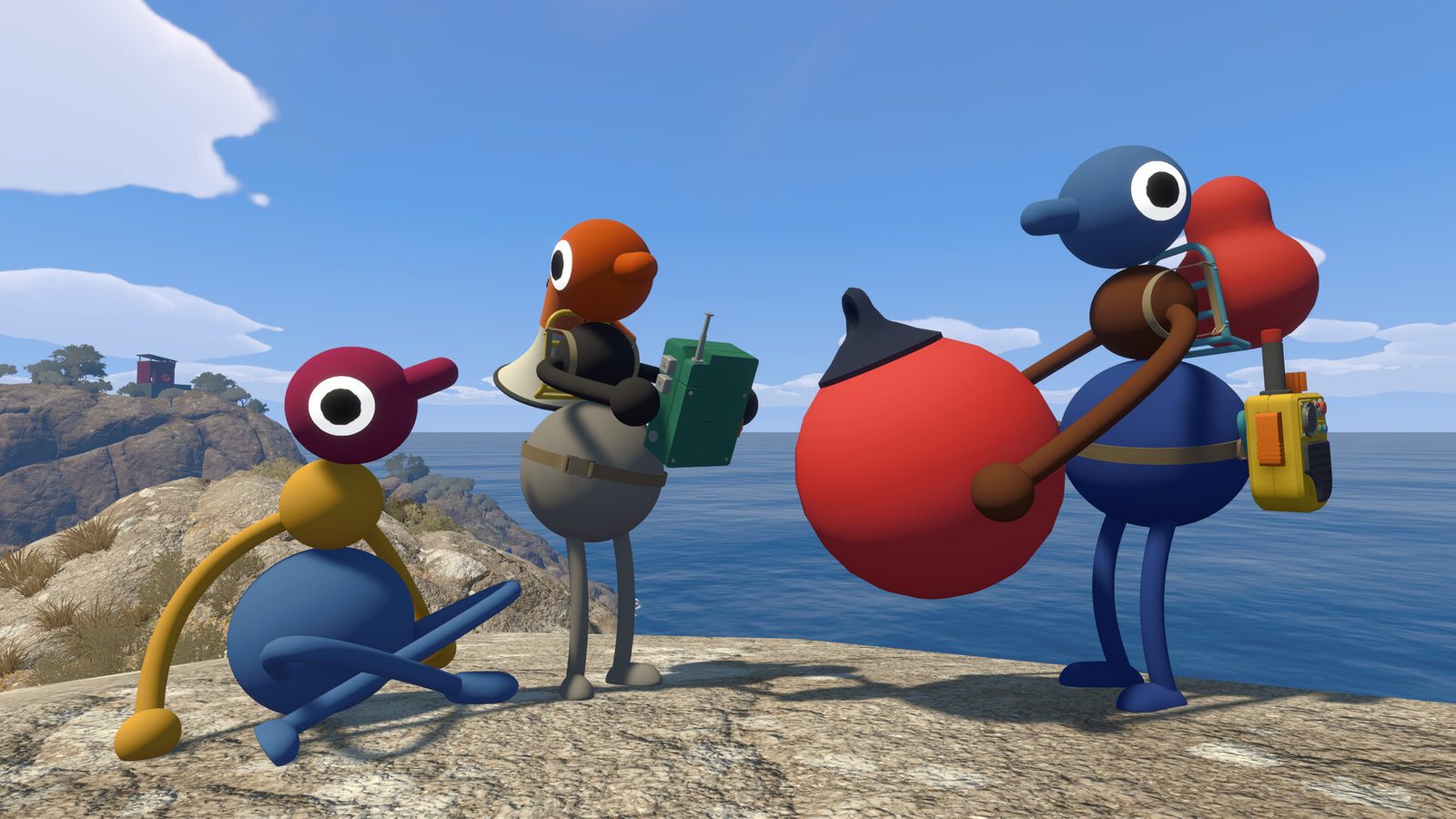
Quick answer: Big Walk requires Windows 10 64-bit, 12 GB RAM and a GTX 750 Ti / R7 370 / Arc A380 or better at minimum on PC. The official listing does not state a target FPS, resolution or storage size, so this guide keeps published specifications separate from unknown performance targets.
Can I run Big Walk? Quick self-check
Compare your PC against the official minimums below. You need to meet all four — OS, processor, memory and graphics — to run the game:
| Your check | Minimum you need |
|---|---|
| OS | Windows 10 (64-bit) or macOS 15 |
| Processor | Intel Core i7-7700K / AMD Ryzen 5 1600X (PC) or Apple M1 (Mac) |
| Memory | 12 GB RAM (PC) / 16 GB RAM (Mac) |
| Graphics | GTX 750 Ti (2 GB) / Radeon R7 370 (2 GB) / Intel Arc A380 (6 GB) |
If you are below the minimum on any row, the game is not supported on your machine at launch. If you meet every row, you are at the minimum tier — the recommended tier below is what the developers target for a smooth experience.
Big Walk Windows requirements
| Minimum | Recommended | |
|---|---|---|
| OS | Windows 10 (64-bit) | Windows 11 (64-bit) |
| Processor | Intel Core i7-7700K / AMD Ryzen 5 1600X | Intel Core i5-10600K / AMD Ryzen 7 3700X |
| Memory | 12 GB RAM | 16 GB RAM |
| Graphics | GTX 750 Ti (2 GB) / Radeon R7 370 (2 GB) / Intel Arc A380 (6 GB) | GTX 1070 (8 GB) / RX 5600 XT (8 GB) / Intel Arc A750 (8 GB) |
Big Walk Mac requirements
| Minimum | Recommended | |
|---|---|---|
| OS | macOS 15 | macOS 15 |
| Processor | Apple silicon M1 or newer | Apple M3 or newer |
| Memory | 16 GB RAM | 16 GB RAM |
| Graphics | Apple silicon GPU | Apple silicon GPU |
Both listings require a 64-bit processor and operating system. A controller is fully supported, and gamepad play is the default on consoles.
How to check your PC specs
Not sure what your machine has? Two quick ways to find out:
- Windows: press
Win + R, typedxdiag, press Enter, and read the Processor, Memory and Display tabs. - macOS: click the Apple menu → About This Mac; the chip, memory and macOS version are all shown on the Overview tab.
FPS and graphics settings: what is published?
The official PC listings publish hardware tiers, but they do not publish a target frame rate, target resolution, or a tested graphics preset for either minimum or recommended hardware. That means the table above can answer “will my PC meet the listed spec?”, but not “will it hold 60 FPS?”. Treat any exact FPS claim as a test result for a particular build and scene, not as an official requirement.
For a useful self-check, test the same busy multiplayer scene after updating the game and compare frame-time or FPS with the in-game/OS performance overlay. Lower visual settings only after confirming the problem is rendering rather than network or voice latency; those are separate issues.
Big Walk on Steam Deck
Steam Deck runs a Linux-based OS, and Big Walk is listed for Windows and macOS only — Linux is not an official launch platform. Steam Deck owners who still want to try it can check our Big Walk on Steam Deck guide for what we currently know about compatibility and Proton behavior.
Big Walk download size
The official Steam listing does not publish a required storage figure at launch — the store page lists no “Storage” entry in its requirements (verified 2026-08-08). The Mac App Store and console store pages also do not show a download size yet. The actual install size will appear on your store page at checkout/download time; as a rough guide, an indie co-op adventure of this scope typically lands in the single-digit GB range, but treat that only as a signal, not a specification. We will update this page the moment an official figure is published.