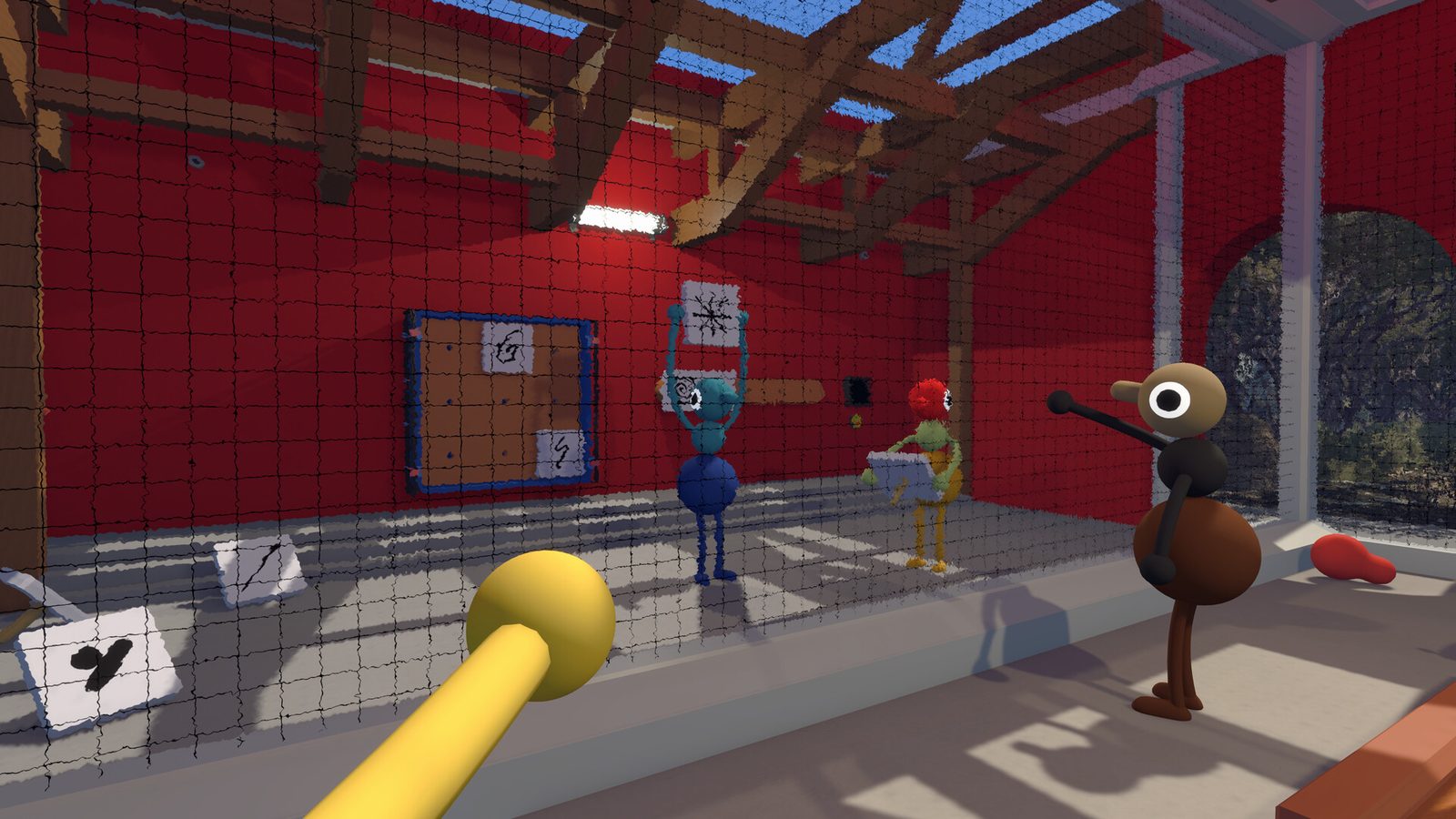
Big Walk treats communication as a mechanic. Voice and text chat obey distance falloff and environmental muffling, and separated players sound crackly over the walkie-talkie — external apps like Discord bypass all of this.
What the build and official sources show
- Proximity voice is on by default, with volume fading as distance grows.
- Environmental muffling changes how voices sound inside structures, valleys and open terrain.
- Walkie-talkie crackle takes over when players are far apart, matching the in-game item.
- Text chat follows the same distance and environmental restrictions as voice.
Microphone or voice chat not working? What to check
If your voice is silent or too quiet for teammates, run through this checklist in order:
- Platform microphone permission — on PS5, check Settings → Sound → Microphone; on Switch 2, System Settings → Voice Chat; on PC, the OS privacy setting for microphone access (Windows: Settings → Privacy & Security → Microphone).
- Correct input device — if you have a headset plus built-in mic or a webcam mic, the game may be reading the wrong device. Set your headset as the default input in the OS before launching.
- In-game voice volume — raise the voice-chat volume in the audio settings; the game ships with proximity falloff, so distance also lowers what teammates hear.
- Push-to-talk binding — if you enabled push-to-talk, confirm the bound key actually registers; try open mic temporarily to isolate the issue.
- Patch status — on Steam, the 1.4.8 patch (August 6, 2026) fixed a bug where some players’ voices sounded quieter than they should; verify you are on the latest version. The patch reaches other platforms after Steam (see our 1.4.8 update notes).
If you have checked all five and voice is still dead, the issue is likely the proximity rule itself: players outside the falloff range simply cannot hear you — move closer or use the walkie-talkie item. Known issues are tracked in our Big Walk known issues guide.
Why the developers want in-game chat
House House designed Big Walk so that staying close and keeping in touch is part of the gameplay. External voice apps remove the challenge of coordination and the charm of shouting across a valley.
For large groups (10+ players), some launch-week parties reported audio desync — a known issue the developers acknowledged with a patch expected.