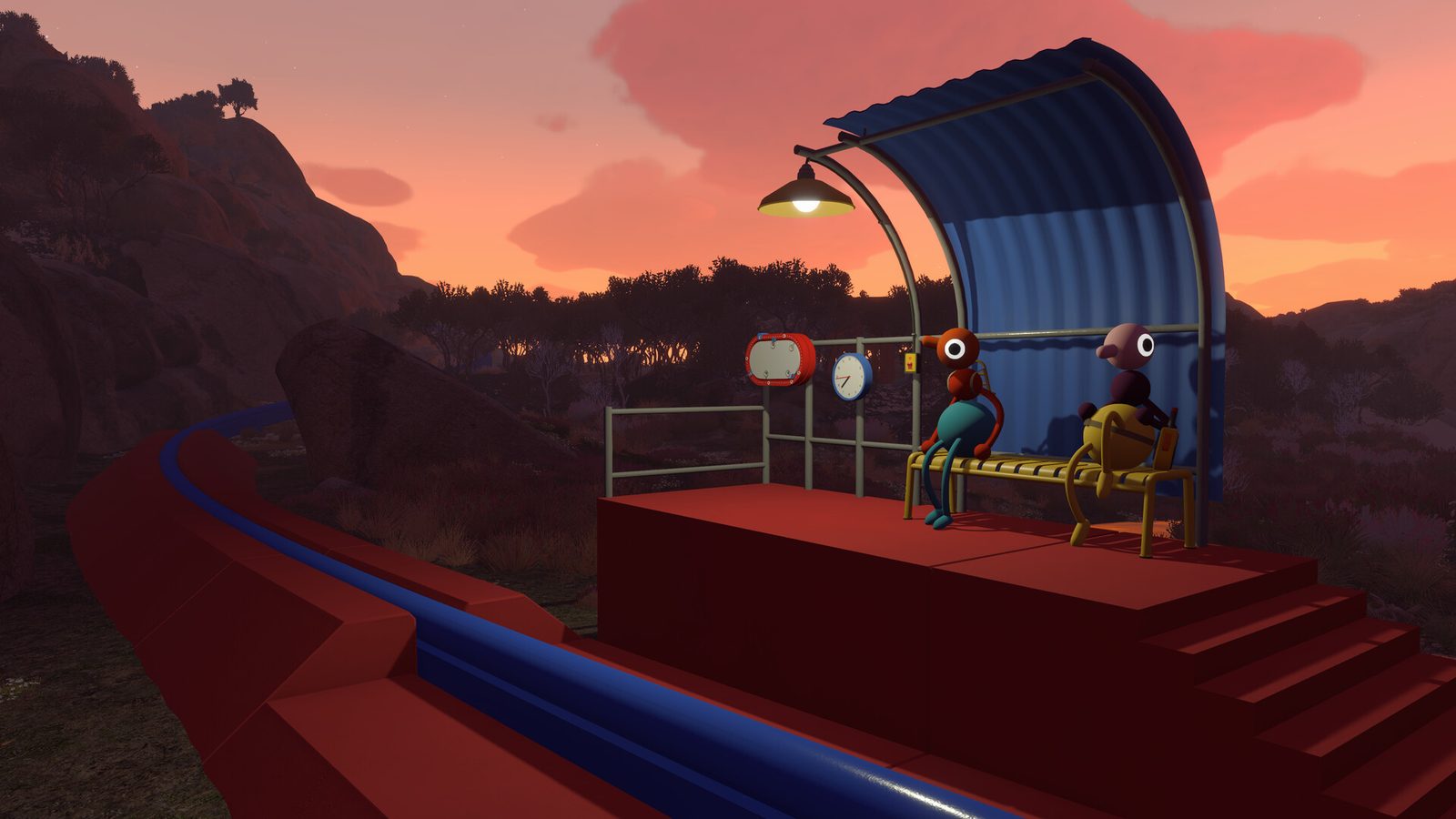
Quick answer: Big Walk supports keyboard and mouse on PC plus controller layouts on PC, PlayStation 5 and Switch 2. The game’s two-arm controls are easiest to learn as a pair: shoulder triggers raise the arms and shoulder bumpers point them. Every default below is provisional, so check Settings → Controls after an update.
Choose your setup:
- PC: start with the keyboard table, then rebind grab if it overlaps with an arm action.
- PS5: use L2/R2 for the two arm raises and L1/R1 for the two arm points.
- Switch 2: use ZL/ZR for raises and L/R for points; the full table is below.
Big Walk ships with flexible input: keyboard and mouse for precise camera work on PC, or any supported controller for the shoulder-button arm controls console players get. The tables below cover the expected default layouts for PC (Steam), PlayStation 5 (DualSense) and Nintendo Switch 2.
Evidence note: defaults below come from hands-on preview coverage and common adventure-game layouts, not an official key-binding sheet. House House may adjust bindings in launch patches — treat Settings → Controls as the source of truth.
PC keyboard and mouse defaults (Steam)
| Action | Default binding | Notes |
|---|---|---|
| Move | W A S D | Standard first-person layout |
| Look / camera | Mouse | Sensitivity sliders in settings |
| Jump | Space | Used on ledges and small gaps |
| Crouch | Left Ctrl or C | Low passages and hiding spots |
| Sit | X | Hold to sit on objects and overlooks |
| Interact / grab | E or Left Mouse | Pick up objects, buttons, teammates |
| Throw / release | Left Mouse (context) | After grabbing |
| Run / sprint | Left Shift | Optional toggle in settings |
| Tool cycle | Number keys or scroll | Quick swap between hands and belt |
| Push-to-talk | V or T | Keeps proximity voice clean in groups |
| Left arm raise | Q or mouse side button | Independent arm system |
| Right arm raise | E alternate or mouse button | Don’t conflict with grab — rebind if needed |
| Left arm point | Z or Q + modifier | Hold to point forward |
| Right arm point | C or E + modifier | Pair with the gesture vocabulary below |
Because grab and arm buttons can overlap on some defaults, many PC players rebind early: grab to F, left arm to Q, right arm to E, points to mouse side buttons — that gives every limb a distinct key.
PlayStation 5 (DualSense) layout
Sony’s hands-on preview highlighted independent arms as the first standout mechanic: L2 and R2 raise the left and right arms, while L1 and R1 point them forward. Movement and world interaction follow familiar action-adventure patterns:
| Action | DualSense | Notes |
|---|---|---|
| Move | Left stick | Walk and run by stick deflection |
| Camera | Right stick | Aim arm points with camera |
| Jump | Cross (X) | |
| Crouch | Circle or stick click | Low gaps |
| Sit | D-pad down | Contextual sit on ledges |
| Grab / interact | Square | Hold for buttons and carrying |
| Throw / release | R2 (context) | After grab |
| Sprint | L3 (stick click) | |
| Left arm raise | L2 | Independent arm — PS preview highlight |
| Right arm raise | R2 | Independent arm — PS preview highlight |
| Left arm point | L1 | Hold to point forward |
| Right arm point | R1 | Hold to point forward |
| Tool swap | D-pad | Quick item change |
| Push-to-talk | Optional | Check audio settings |
Nintendo Switch 2 layout
Switch 2 maps the same design onto Nintendo button names — ZL/ZR mirror L2/R2 arms, L/R mirror L1/R1 points:
| Action | Switch 2 | Notes |
|---|---|---|
| Move | Left stick | Handheld or docked |
| Camera | Right stick | Pro Controller recommended for long sessions |
| Jump | B | |
| Crouch | Stick click or Y | |
| Sit | D-pad down | |
| Grab / interact | Y or A | Confirm in tutorial prompts |
| Left arm raise | ZL | Mirrors L2 |
| Right arm raise | ZR | Mirrors R2 |
| Left arm point | L | Mirrors L1 |
| Right arm point | R | Mirrors R1 |
| Tool swap | D-pad |
Gesture vocabulary: arms as a shared language
Big Walk deliberately builds situations where voice fails — distance, walls, fog, caves, split puzzle lanes. When proximity chat muffles, arms become chat. Agree on signals in the tutorial before you need them on a ridgeline:
- Single arm point (hold): “Look there” or “Go that direction.” Stand still until heads turn.
- Both arms up: “Stop” or “Wait for me.” Useful at cliff edges.
- Both arms forward: “Everyone this way” — a marching directive.
- Rapid alternate wave: “I need help” or “Watch me.” Use sparingly so it stays urgent.
- Single arm wave (side to side): “Hello” or “I see you” when regrouping without voice.
- Sit gesture: Deliberately sitting on a rock can mean “rendezvous here” if your group adopts it.
- Point down: “Item here” or “interact below” when guiding someone to a ground puzzle piece.
Gestures are not emote cosmetics — they are coordination tools. One player holding a button while another sprints out of voice range depends on a binocular spotter using arm point to confirm success.
Sensitivity and input settings
If aiming your arms feels too twitchy or too slow, the settings menu is where you fix it:
- Camera sensitivity sliders control both mouse look (PC) and stick look (controller) — lower the slider if arm-pointing overshoots, raise it if you are constantly fighting the camera.
- Rebinding is the lever for comfort: any action in the tables above can be moved in Settings → Controls, so left-handed players, controller-on-PC players and anyone who dislikes a default can adapt without changing how the game plays.
- Push-to-talk is optional and lives in the audio settings — useful if your open mic picks up background noise while you are coordinating with nearby players.
There is no separate “arm sensitivity” setting in the reported build; arm-pointing follows the camera, so tuning camera sensitivity is the way to make pointing feel steady.