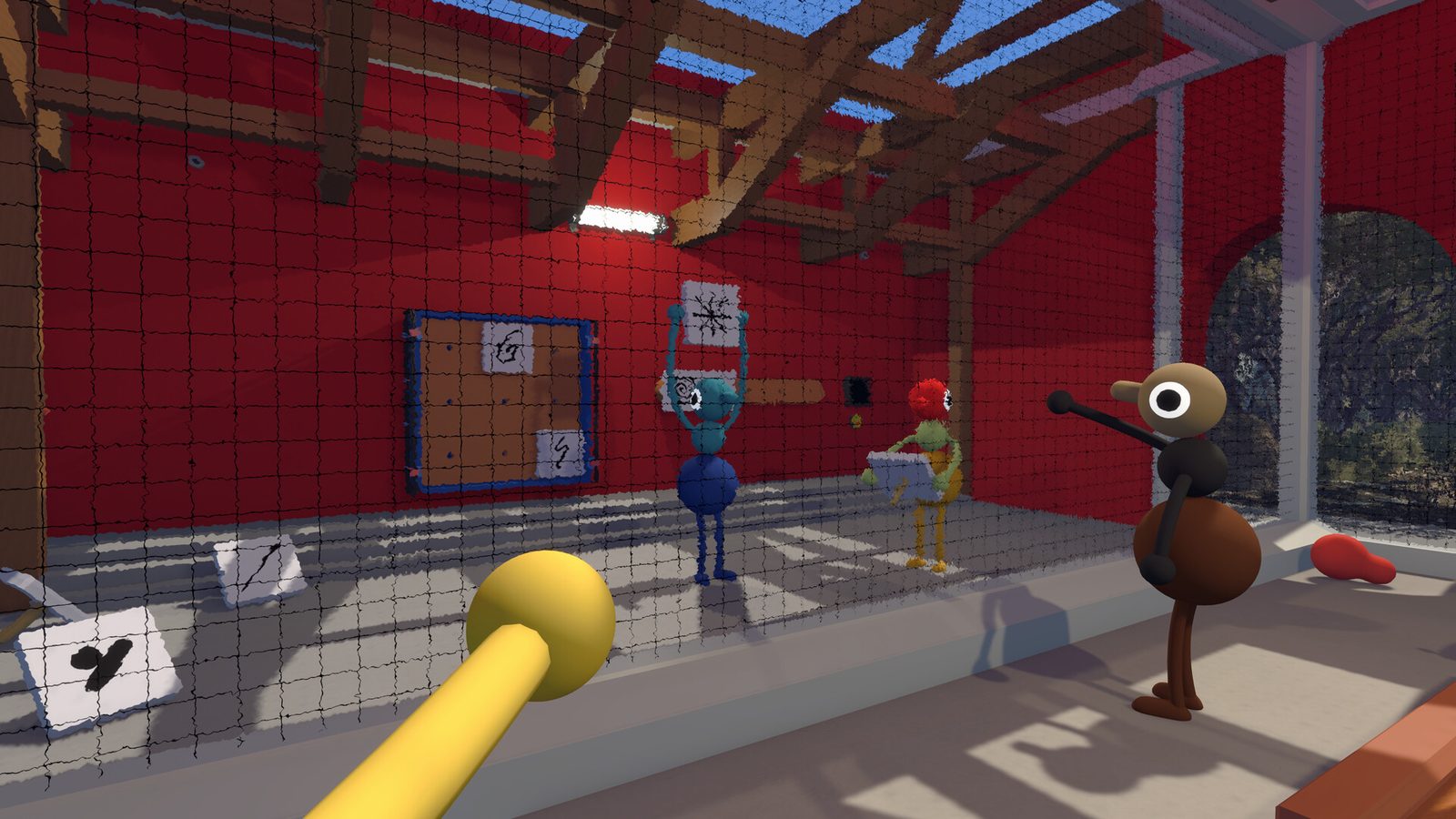
Join Codes are Big Walk’s universal invite: a short session code the host shares, and any player on any platform can use to walk in. No friend lists required, no store-account matching — just a code.
How Join Codes work
- Host starts a session and enables crossplay in online settings.
- The game generates a Join Code visible in the host’s lobby screen.
- Guests open the join menu and enter the code — on Steam, PS5 or Switch 2 alike.
- Guests land in the host’s world with their tools and voice chat active.
The host’s store and device do not restrict which guests may enter, as long as each guest meets their own platform’s online requirement (Steam: none; PS5: PS Plus; Switch 2: NSO).
When Join Codes beat friend lists
- Mixed-platform groups — no need to add friends across PSN/Steam/Nintendo.
- One-off sessions — strangers from a Discord server or forum can join without becoming friends.
- Alternate hosts — when the regular host is offline, a new host’s code replaces the old one entirely.
Security and hygiene
- Share codes only in your group’s private channels, not on public lobbies.
- Regenerate the code after a session ends — old codes should stop working.
- Don’t screenshot lobby menus that expose the active code.
The host owns the save and the code: keep both under control and the whole walk stays on your terms.
Join Codes vs. game codes
Search results sometimes mix up Join Codes with other kinds of codes, so to be explicit: Big Walk has no cheat codes, redemption codes or unlock codes. The only codes in the game are Join Codes, and they are session invitations for online co-op — they do not unlock content, skip progression or grant items. If a website offers “Big Walk codes” that promise rewards, treat it as a scam: the game is bought from official stores (Steam, Mac App Store, PlayStation Store, Nintendo eShop) and played as-is.